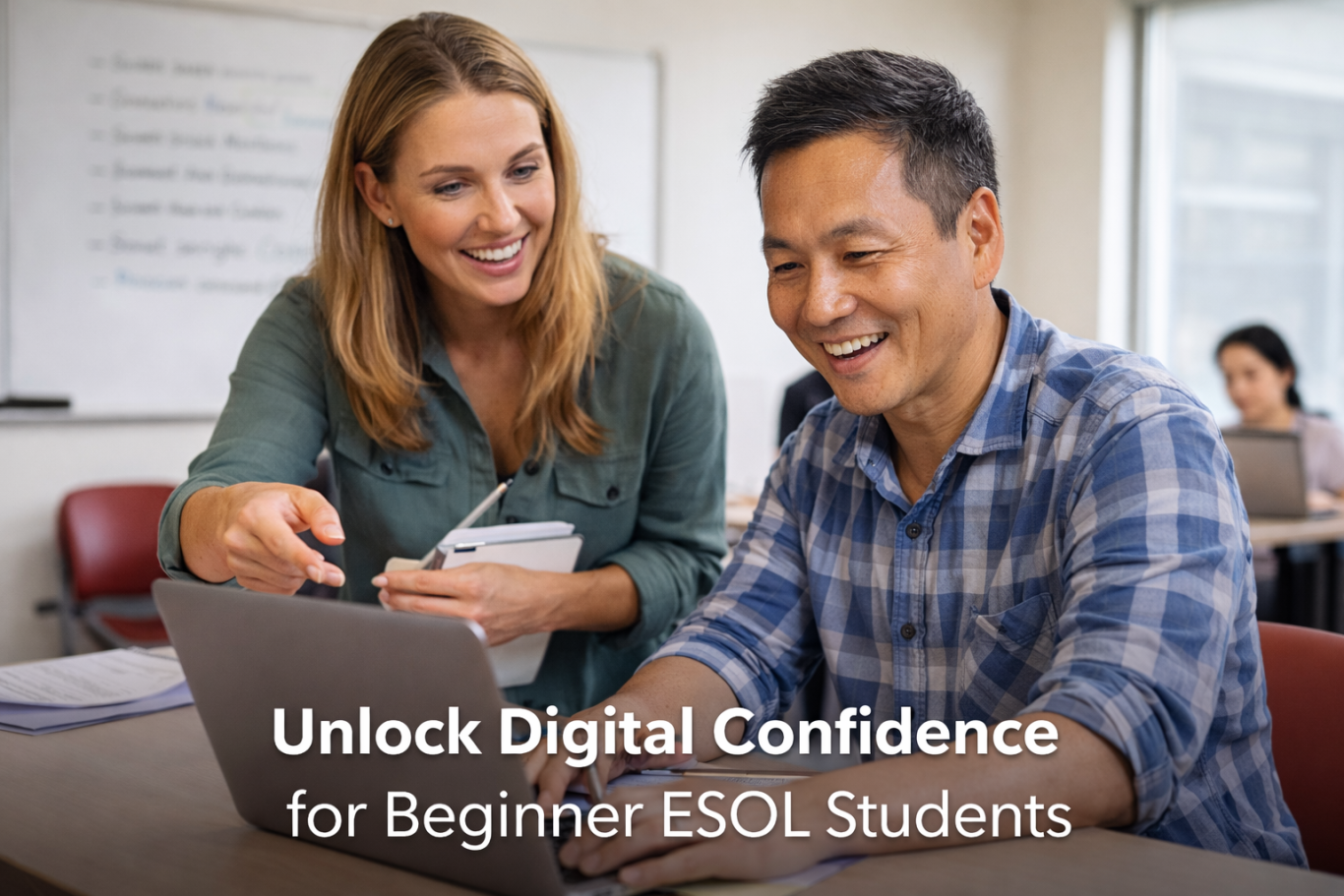
Project 1:
Teacher Professional Development Course
Role:
Presenter & Learning Designer
Context:
Adult ESOL | College & Career Readiness | Professional Learning
The Problem
Many adult ESOL students are navigating a tech-driven world without being taught the digital skills they’re expected to already know.
At the same time, many educators hesitate to teach digital literacy—especially AI—because they worry it’s “too advanced,” unethical, or outside the scope of language instruction. As a result, learners are often taught English for hypothetical academic futures instead of the real work, communication, and systems they encounter every day.
This gap doesn’t just slow learning. It quietly undermines confidence and dignity.
The Goal
- Design a professional learning experience that helps ESOL educators:
- Integrate digital literacy into beginner-level
instruction without overwhelming students
- Treat technology as a confidence-building tool, not a
shortcut or threat
- Embed digital skills authentically into grammar, vocabulary, and thematic lessons
- Support immigrant learners in adapting to work and daily life with agency and respect
The Design Approach
This project was developed as a two-part, four-hour professional learning series for adult ESOL educators.
Key Design Principles
Beginner-friendly by design
Digital skills were scaffolded just like language skills—step by step, with visual and audio supports.
Authentic use over simulation
Teachers designed lessons around real tasks: sending emails, logging into systems, navigating online information—not artificial drills.
Ethical, purposeful technology use
AI and digital tools were framed as study aids, tutors, and revision supports—not replacements for thinking.
Immediate classroom application
Educators were expected to create and refine a lesson between sessions, not just listen.
What Teachers Built
Participants developed an ESOL lesson plan that:
- Integrated digital literacy directly into language instruction
- Learned how and why to use tools, not just what buttons to click
- Reflected real-world communication demands students face outside the classroom
- Maintained high expectations while offering clear scaffolding
Outcomes & Impact
- Educators reported increased confidence teaching digital skills to beginner learners
- Lesson plan shifted from avoidance of technology to intentional integration
- Teachers left with a reusable routine and strategies they could adapt across levels
- The work reframed digital literacy as a core part of language education, not an add-on
Reflection
This project reflects how I approach learning design: with clarity, high expectations, and respect for the learner. It reinforced the
importance of designing professional development that balances educator autonomy with guided application.
While participants engaged thoughtfully during the first session, most were unable to complete the independent lesson-design task between sessions. In response, I shifted the second session into a collaborative studio model, supporting participants as they worked together to build a strong, adaptable lesson plan in real time.
Feedback indicated that this approach increased confidence and clarity, and many educators left feeling better prepared to design their own lessons moving forward. For future iterations, I would
design the second session as a workshop by default, while also
incorporating light checkpoints between sessions to better support follow-through and differentiation.
Focus Areas
This short video highlights five key design moments from Unlock Digital Confidence for Beginner ESOL Students, a learning design project focused on integrating digital literacy into ESOL instruction in ways that build confidence, respect prior knowledge, and reflect real life outside the classroom.
Learning experience design · Adult ESOL · Digital literacy · Curriculum strategy · Professional learning · Ethical AI in
education · Accessibility
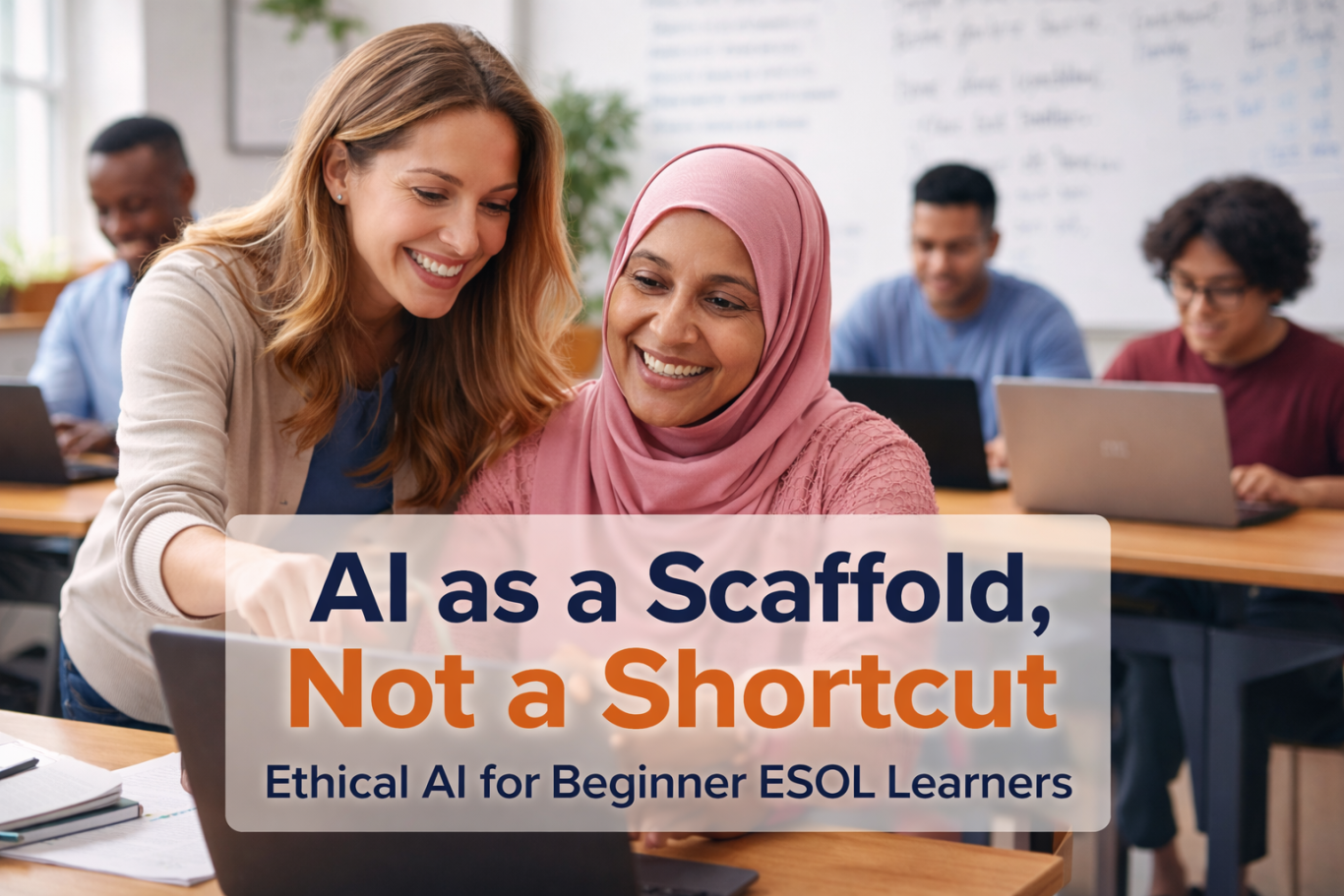
Project 2:
Using AI as a personal tutor
Role
Learning Designer · Instructor · Curriculum Designer
Context
Adult ESOL (DESE-funded College & Career Readiness Program)
Mixed-level beginner learners (Pre-A1 to A1)
Two classes · 29 learners total
The Problem
In mixed-level adult ESOL classrooms, differentiation is often the hardest—and most necessary—work.
Some learners arrive with almost no English, while others are higher beginners who quickly disengage when instruction moves too slowly. Traditional materials rarely account for this range, and grammar concepts like verb tense can be difficult to explain using English alone.
At the same time, many educators hesitate to introduce AI, worried it will confuse learners, encourage copying, or replace foundational skill-building.
The challenge was clear:
How can AI be used to support language learning without
replacing thinking, effort, or dignity?
The Design Goal
- Design an AI-supported activity that would:
- Support scaffolding and differentiation in a mixed-level class
- Reinforce foundational grammar (Subject + Verb + Object, verb tense)
- Function as a personal tutor, not an answer generator
- Remain accessible, ethical, and aligned with real classroom constraints
- Center learners’ real work histories and identities—not
fictional examples
Key Design Decisions
1. Paper First, AI Second
Students wrote their sentences independently before using AI. This ensured that thinking, effort, and language production happened first—and that AI was used for feedback, not generation.
2. AI as Tutor, Not Authority
AI was introduced explicitly as a personal tutor:
“A teacher for you. Only you.”
Its role was to check verb tense, explain corrections, and support understanding—not to produce new content.
3. Tight Guardrails
To prevent misuse and reduce cognitive load:
- Students used a single, teacher-designed prompt
- Prompts were reviewed before submission
- No one submitted without guidance
- Instructions were translated into students’ native languages to clarify purpose, not replace English use
4. Accessible Tools by Design
Gemini was selected because it is free and integrated into Google Workspace, which students already used in class—reducing friction and increasing long-term access.
The Activity
- Students wrote five sentences about their own past work experience
- Sentences were submitted to AI using a structured prompt
- AI corrected verb tense and explained changes in the student’s native language
- Students used the output as a study guide, not a final
product
- In the following class, students:
- Spoke with a partner about work history
- Wrote new sentences about their partner’s experience
- Demonstrated improved accuracy and confidence
- Spoke with a partner about work history
Outcomes & Observations
- Accuracy improved by approximately 50–75% for most learners
- Students showed increased willingness to write and speak
- Engagement rose significantly once learners saw their own progress
- Initial skepticism (“Oh no, no, no…”) shifted to excitement and trust after use
- Improvement occurred faster than expected, exceeding initial projections
Most importantly, learners were able to talk about their real skills and careers, not simplified or demeaning scenarios.
Ethics & Dignity in Practice
This activity avoided “cheating” by design:
- Students generated all original content themselves
- AI provided explanations, not replacements
- Learners still had to study, practice, and transfer knowledge independently
By centering learners’ actual work histories—bankers, nurses, accountants, designers—the activity preserved dignity and affirmed prior expertise rather than erasing it.
Reflection & Iteration
This project reinforced the importance of intentional AI integration and clear instructional framing.
Not everything worked perfectly. The initial prompt required
refinement, and future iterations would include:
- A brief, explicit mini-lesson on AI use before implementation
- Additional practice navigating between tools and tabs
- A studio-style structure for introducing AI more gradually
I later redesigned the prompt to use simpler English, clearer steps, and tighter constraints—demonstrating how AI-supported instruction must evolve alongside learner needs and classroom realities.
Why This Work Matters
AI is already part of learners’ lives. Avoiding it doesn’t protect
students—it leaves them unsupported.
When designed carefully, AI can act as a bridge:
- from confusion to clarity,
- from dependence to confidence,
- from underestimation to dignity.
Focus Areas
Learning experience design · Ethical AI integration · Adult ESOL · Curriculum strategy · Accessibility · Differentiation · Digital literacy
This short video highlights how I use AI as a personal tutor—not a shortcut—to support grammar, confidence, and dignity in a mixed-level adult ESOL classroom. The design centers real learner needs, ethical guardrails, and practical classroom constraints.
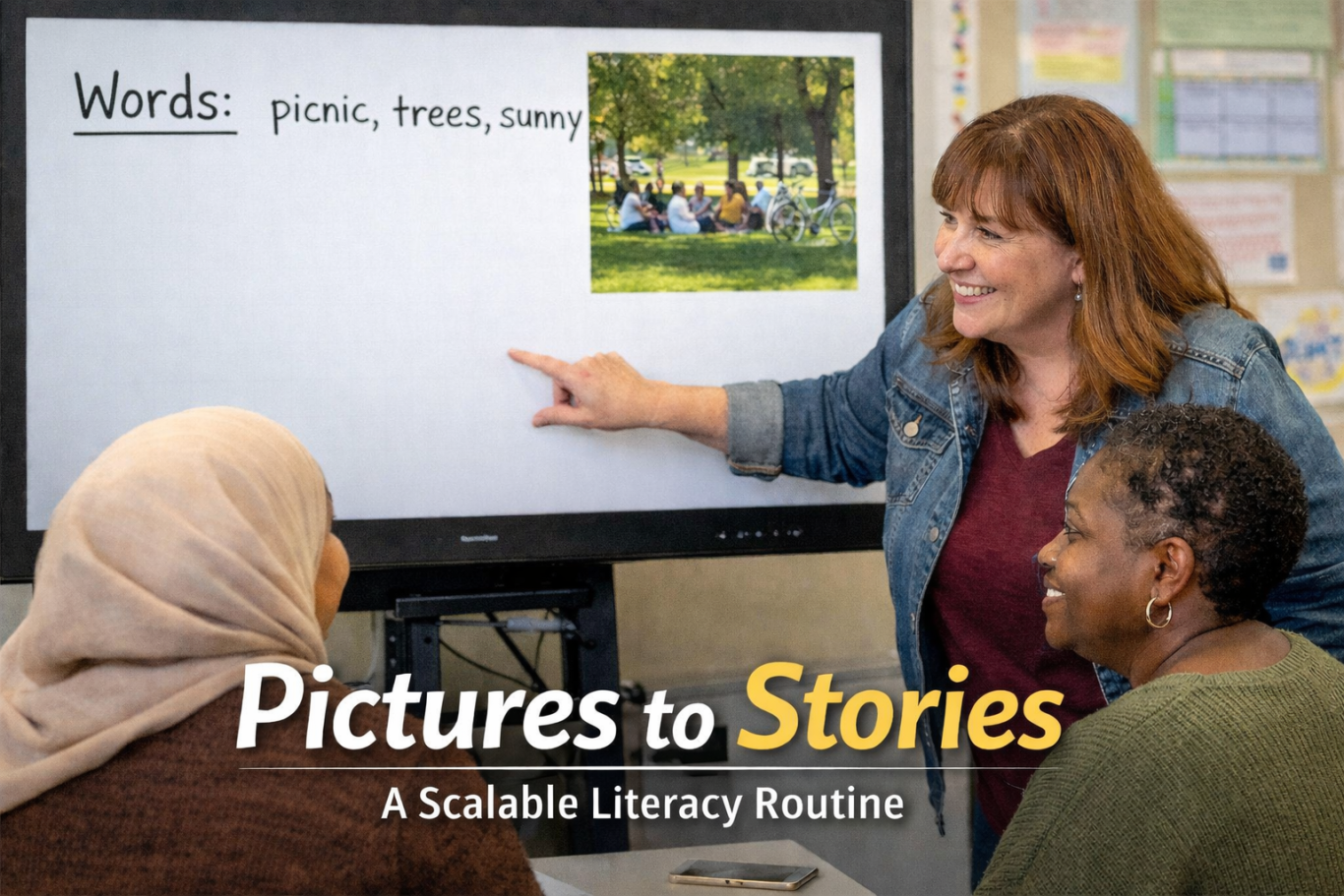
Project 3:
A Scalable Literacy Routine for Emergent and Beginner Learners
Role
Literacy Curriculum Designer · Instructor · Professional Development Presenter
Context
Adult ESOL (Pre-A1 to A1, mixed level)
Used in instruction and teacher professional development
Beginning and emergent learners often know vocabulary but
struggle to turn that knowledge into meaningful language about themselves.
In mixed-level ESOL classrooms, students may be able to
memorize words or repeat modeled sentences, but they lack
confidence and strategies to:
- generate original language
- connect new vocabulary to lived experience|
- participate in short conversations outside the classroom
Traditional approaches—sentence copying, workbook prompts, or scripted drills—often reinforce dependence rather than language ownership.
The Problem
Design a repeatable literacy routine that would:
- Build confidence in speaking and writing
- Support emergent to low-beginner learners without limiting higher beginners
- Activate prior knowledge and lived experience
- Encourage autonomy while maintaining structure
- Scale across weeks, units, and skill levels
The Design Goal
Pictures to Stories is a four-phase literacy routine built around the same image and repeated weekly. The routine gradually scaffolds learners from words to sentences while preserving student choice and voice.
Phase 1: Words
- Students respond to an image using words or short phrases only.
- Spoken, written, or typed (depending on level and stage)
- Immediate, constructive feedback
- No sentence pressure
Phase 2: Questions
- Using the same image, students generate questions.
Some ask about actions (“What are they doing?”), others notice details (“What color is her jacket?”).
Students choose what they want to ask, reinforcing autonomy and curiosity.
Phase 3: Sentences
- Students create original sentences based on the image.
- Each student contributes once before others add more
- Peers begin to suggest ideas, corrections, and expansions
- Grammar and structure are addressed in context
Phase 4: Transfer & Expansion
Over time, output moves:
- from board work (whiteboard / Vibe board)
- to digital production (Google Slides)
Students apply the same thinking to new images and topics.
The Routine: Pictures to Stories
Why this is a system: not a one off
- The structure stays the same, reducing cognitive load
- The content changes, keeping learning fresh
- Teachers can reuse the routine weekly with different images
- Students build memory, confidence, and complexity over time
This makes the routine easy for teachers to adopt and flexible across units (daily life, jobs, health, community).
Student Evidence & Outcomes
Over repeated use, students show clear growth:
- Increased detail and specificity when describing images
- Expansion from single words to multiple original sentences
- Improved performance on the BEST assessment, particularly in picture description tasks
- Peer-supported learning, with students offering spelling, grammar, and verb-tense feedback
- Stronger confidence speaking with classmates and beyond the classroom
Boards that once held a few words eventually filled with student-generated sentences. Learners began expressing personality,
interests, and experiences through their language choices.
Differentiation, Accessiblity,
& Dignity
Pictures to Stories supports differentiation by design:
- Pre-A1 learners contribute words and phrases
- A1 learners build sentences and ask questions
- Students choose what they notice and say
- Visual input removes language barriers while honoring experience
By allowing learners to control content while following a shared structure, the routine affirms competence and encourages
participation without embarrassment.
Why This Matters for Curriculum & Instruction Leadership
This routine demonstrates how literacy instruction can be:
- consistent without being rigid
- accessible without being simplified
- scaffolded and without limiting voice
Pictures to Stories is easily transferable across classrooms, teachers, and contexts, making it a strong example of curriculum design that supports both student growth and teacher practice.
Focus Areas
Literacy curriculum design · Emergent literacy · ESOL instruction · Differentiation · Instructional routines ·
Teacher enablement · Student agency
Reflection
Pictures to Stories reflects my approach to literacy instruction: high expectations, clear structure, and respect for learners’
experiences. When students are given consistent routines and meaningful choices, they move from memorization to ownership, and from silence to confident expression.